
The Board
Last year we ended up with 5x5 panels of community minibadges that didn't separate cleanly. Rather than let them go to waste, we reprogrammed the EEPROMs on them and turned them into the Level 1 challenge boards. They stay at the table — you don't take them with you.
Your job is to clip onto one of the chips, read out what's stored on it, and figure out what to do with the data you get back.
Your Minibadge
When you sign up you get a minibadge kit to keep: the board, an LED, a resistor and pin headers. Build it whenever you like. It's what you'll solder your Level 1 prize, an EEPROM chip, onto for Level 2. The minibadge build guide walks through it with photos.
Gear
We'll have this gear at the booth for you to use. If you'd rather use your own, an SOIC-8 chip clip and any CH341A-style programmer will work fine.
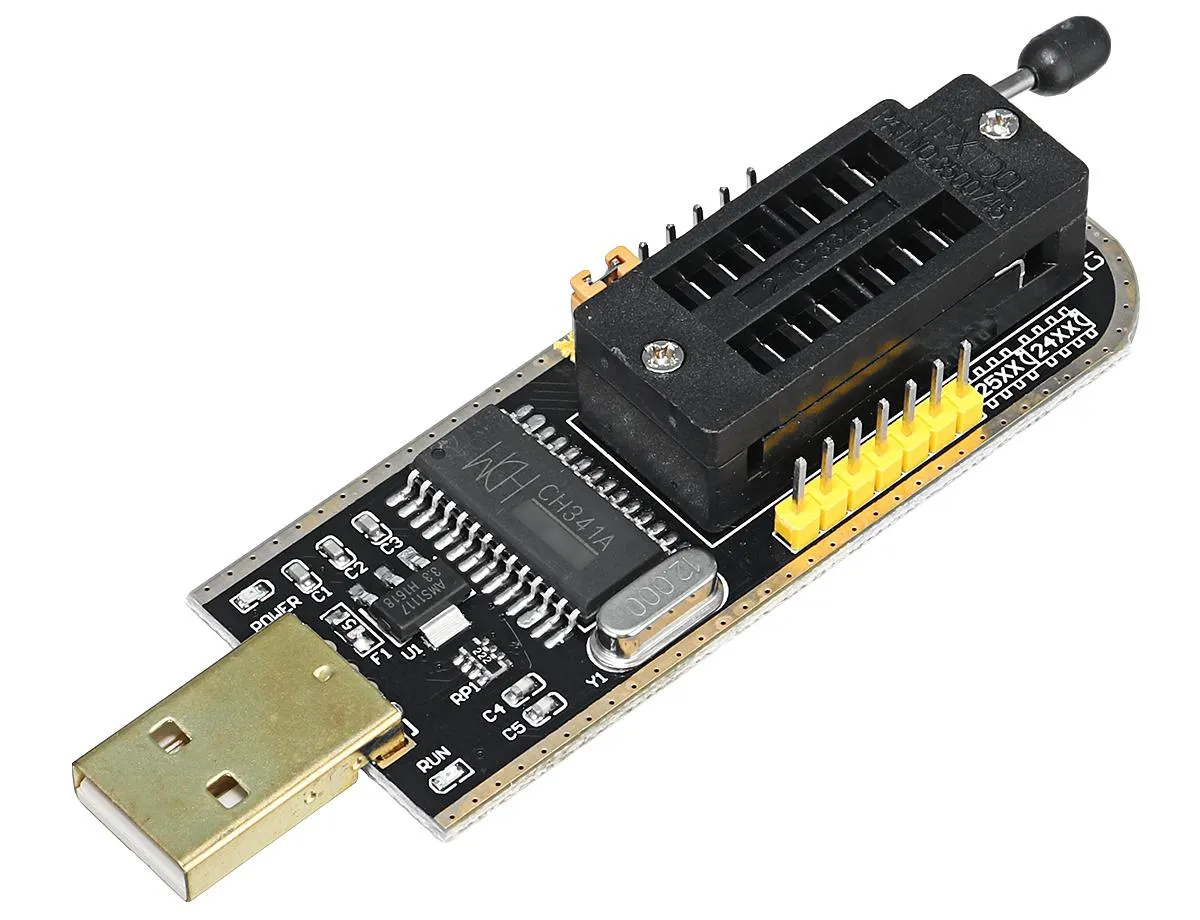
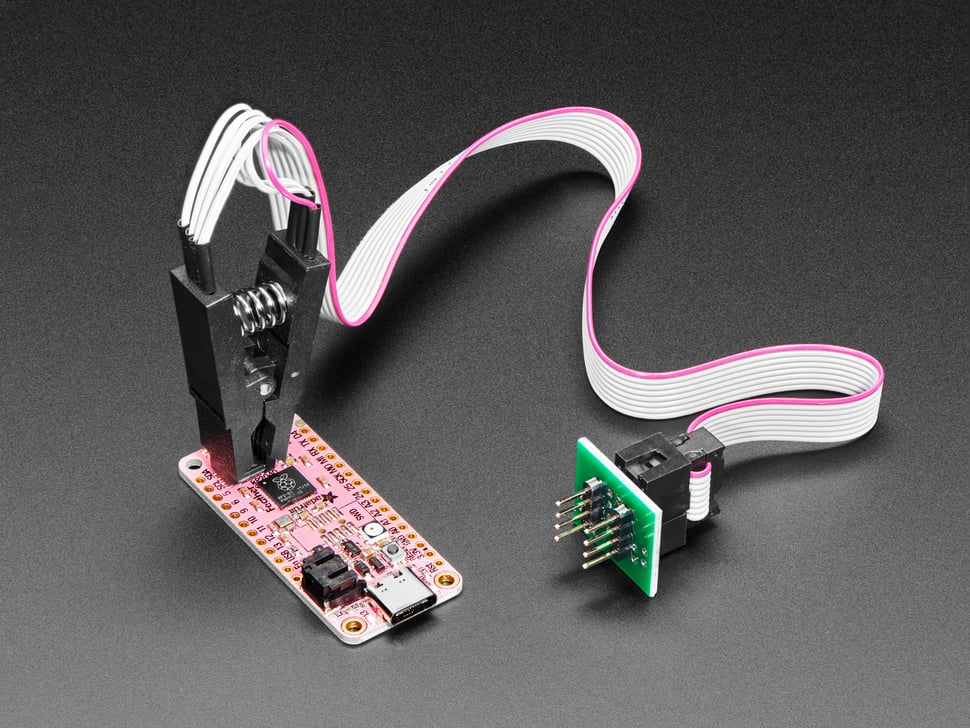
Clipping On
Chip clips are fast, but they're fiddly. A few tips to get a clean read on the first try:
-
Find pin 1
Look for the small dot or notch on the chip package — that marks pin 1. The clip's ribbon cable also has a striped wire (usually red) marking its own pin 1. Line the two up before you clip down.
-
Center it over the chip body
Squeeze the clip open and lower it straight down so all 8 legs land on the leads, not on the chip's plastic body or the board underneath. Off-center is the most common reason for a bad read.
-
Let go gently, then check it
Release the clip slowly and make sure it didn't shift. A leg that slipped half a pin over will usually still make contact — just with the wrong pin.
-
Hold steady while it reads
Once you start a read, keep the clip and cable still. A nudge mid-read is enough to glitch a bit or two.
-
Garbage data? Recheck before you panic
If a read comes back empty, all one repeated byte, or looks like noise, it's almost always the clip — reseat it and try again before asking a booth worker for help.
Reading It Out
We built our own reader tool that runs right in the browser over WebUSB — nothing to install, and it doesn't care what operating system you're on. Use one of the laptops at the booth (already set up), or your own if you'd rather: open the EEPROM Programmer in Chrome or Edge. Bringing your own machine? The CH341A setup page covers the one-time driver step.
Once you've got the data, it's up to you to figure out what it means. CyberChef is the usual tool for turning encoded data into something readable. Ask a booth worker if you get stuck.